For years, online banking apps and email providers encouraged users to “Add your phone number for extra security!” While receiving a six-digit code via SMS is undeniably better than using a lone password, in modern cybersecurity, SMS verification is considered an obsolete and vulnerable protocol.
Cellular networks were designed in the 1980s for voice transmission and convenience, not encrypted cryptographic security. As account takeover attacks surge worldwide, understanding the hierarchy of two-factor authentication (2FA) is vital for protecting your digital footprint.
The 3 Major Flaws of SMS-Based Verification
- SIM-Swapping Exploits: Criminals do not need to hack your phone. They simply call your cellular provider’s customer service hotline, pretend to be you, and request a replacement SIM. In minutes, your cell reception drops to zero, and your bank verification codes stream directly to an attacker’s device.
- SS7 Network Interception: The global Signaling System 7 (SS7) protocol that routes cellular calls between carriers lacks modern end-to-end encryption, allowing sophisticated threat actors to intercept SMS traffic in transit.
- Reverse-Proxy Phishing: Modern phishing toolkits (like Evilginx) can intercept SMS codes in real time as victims type them into fake login portals, bypassing SMS security instantly.
The 2FA Security Hierarchy: From Good to Invincible
Tier 1: Time-Based One-Time Passwords (TOTP Apps)
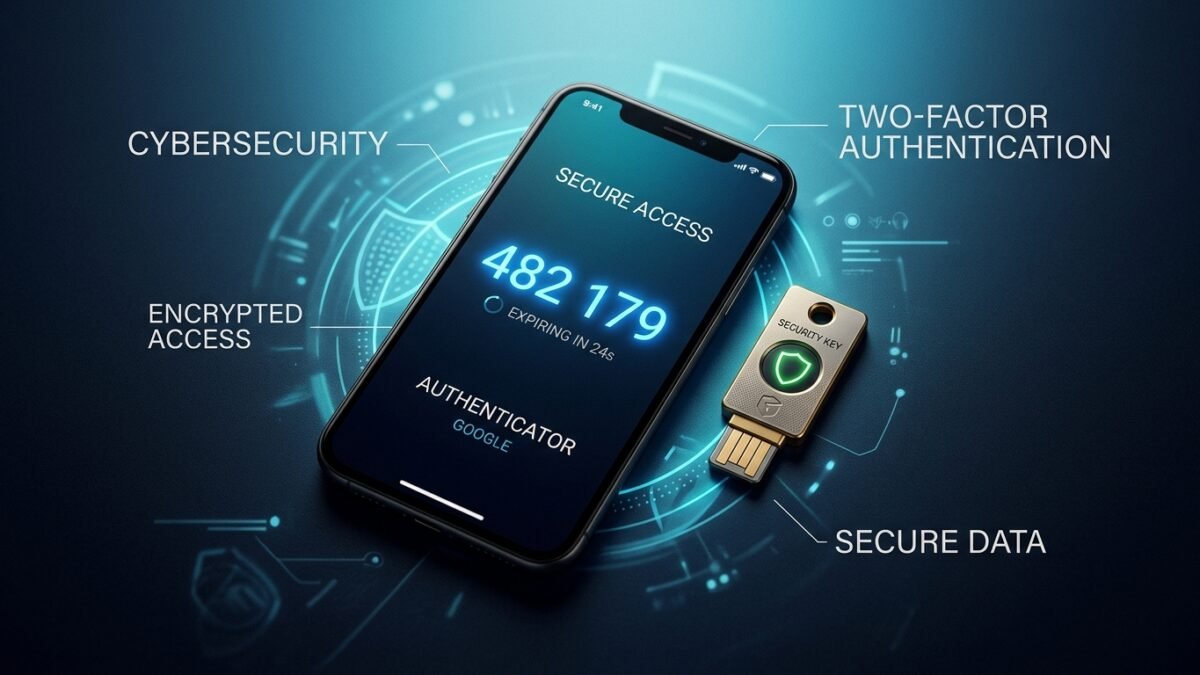
Instead of relying on cellular networks, TOTP apps (such as Aegis Authenticator, 2FAS, Bitwarden, or Google Authenticator) utilize an open mathematical standard (RFC 6238). When you scan a QR code during setup, a secret cryptographic seed key is stored locally on your device.
Every 30 seconds, the app hashes this key with the current Unix epoch time to generate a six-digit code. Because codes are generated locally offline without cellular signal, they are completely immune to SIM-swapping attacks.
Tier 2: FIDO2 / WebAuthn Hardware Security Keys
Hardware security keys (such as YubiKey or Google Titan) represent the gold standard of consumer cybersecurity: phishing-resistant multi-factor authentication.
A hardware key uses asymmetric public-key cryptography. During login, your browser signs a challenge using the private key stored inside a tamper-proof physical chip on the USB/NFC key. Crucially, the key cryptographically verifies the exact URL in the browser address bar. If you accidentally land on a fake phishing domain like g00gle-login.com, the key simply refuses to respond, rendering credential theft mathematically impossible.
Your 15-Minute Security Upgrade Plan
- Log into your primary email account (Google, Apple ID, or Microsoft) and financial services.
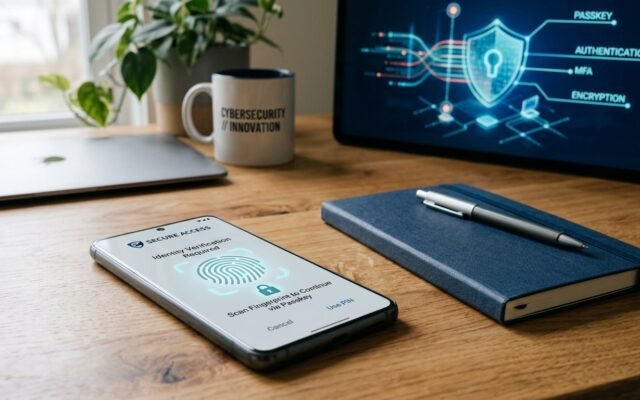
- Navigate to Security > Two-Factor Authentication and choose “Authenticator App” or “Security Key”.
- Scan the QR code into your authenticator app.
- Crucial step: Copy the 8 to 10 one-time emergency backup recovery codes and store them in an encrypted password manager or printed in a secure physical firebox.
- Remove your phone number as an active 2FA recovery method to eliminate the SMS vulnerability backdoor.