There are two types of computer owners in the world: those who have experienced catastrophic data loss, and those who are about to. Mechanical hard drives have moving parts that wear out; flash memory SSDs can suffer sudden controller failures without warning; and ransomware can encrypt an entire computer in under sixty seconds.
When hardware breaks, you can buy a new laptop or phone. But when a drive holding ten years of baby photos, wedding videos, tax records, and creative projects dies, those memories are permanently erased. Fortunately, an elegant, foolproof strategy exists to prevent this catastrophe: The 3-2-1 Backup Rule.
Deconstructing the 3-2-1 Architecture
Formulated by veteran digital photographer Peter Krogh, the 3-2-1 rule is universally recognized by enterprise data architects and home power users as the baseline of data resilience:
- 3 Copies of Data: Always possess three copies of any file that matters: the primary working copy on your computer or phone, plus two separate backup copies.
- 2 Different Media Types: Do not store both backups on the same brand or medium. Use two distinct storage formats—for example, an external solid-state drive (SSD) or Network Attached Storage (NAS) combined with cloud object storage. This protects against batch manufacturing defects or platform corruption.
- 1 Copy Off-Site: At least one copy must reside physically outside your residence. If a localized disaster (house fire, flood, lightning surge, or burglary) occurs, all the hard drives inside your home could be destroyed simultaneously. A remote cloud backup or an encrypted drive stored in a safe-deposit box remains untouched.
The Modern 3-2-1 Setup for Everyday Guardians
Step 1: Automated Local Backup (The Quick Recovery)
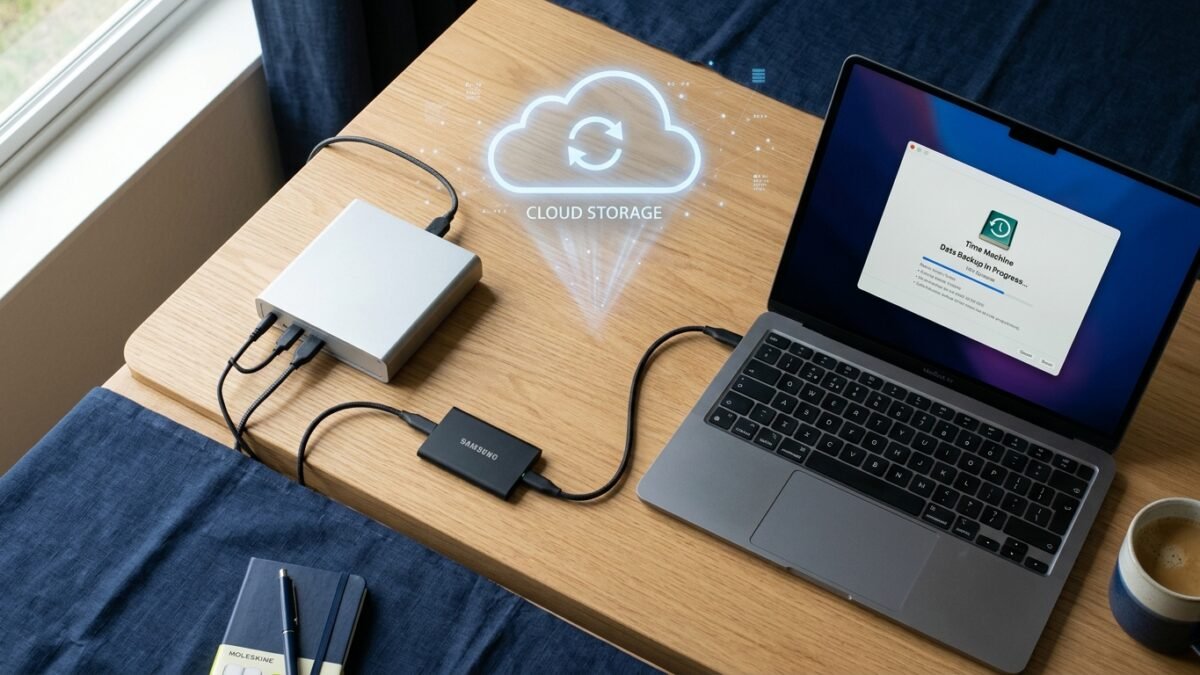
For macOS users, plug in an external USB-C SSD and enable built-in Time Machine. For Windows users, utilize File History or free open-source tools like Veeam Agent for Microsoft Windows. These tools run quietly in the background, creating versioned snapshots every hour without requiring you to remember to click anything.
Step 2: Automated Encrypted Cloud Backup (The Offsite Lifeline)
Set up an automated cloud backup provider (such as Backblaze, which costs less than a cup of coffee per month for unlimited continuous computer backups). It encrypts your files before they leave your computer and continually synchronizes changes to hardened remote data centers across the globe.
Step 3: The Critical Document Archive
For essential paperwork (passports, birth certificates, deeds, wills), scan high-resolution PDFs, store them inside an encrypted container (such as an encrypted 7-Zip or VeraCrypt volume), and keep one copy on a rugged thumb drive on your keychain and another in secure cloud storage.
Investing one quiet afternoon in setting up automated 3-2-1 backups is the greatest gift of digital peace of mind you will ever give your future self.