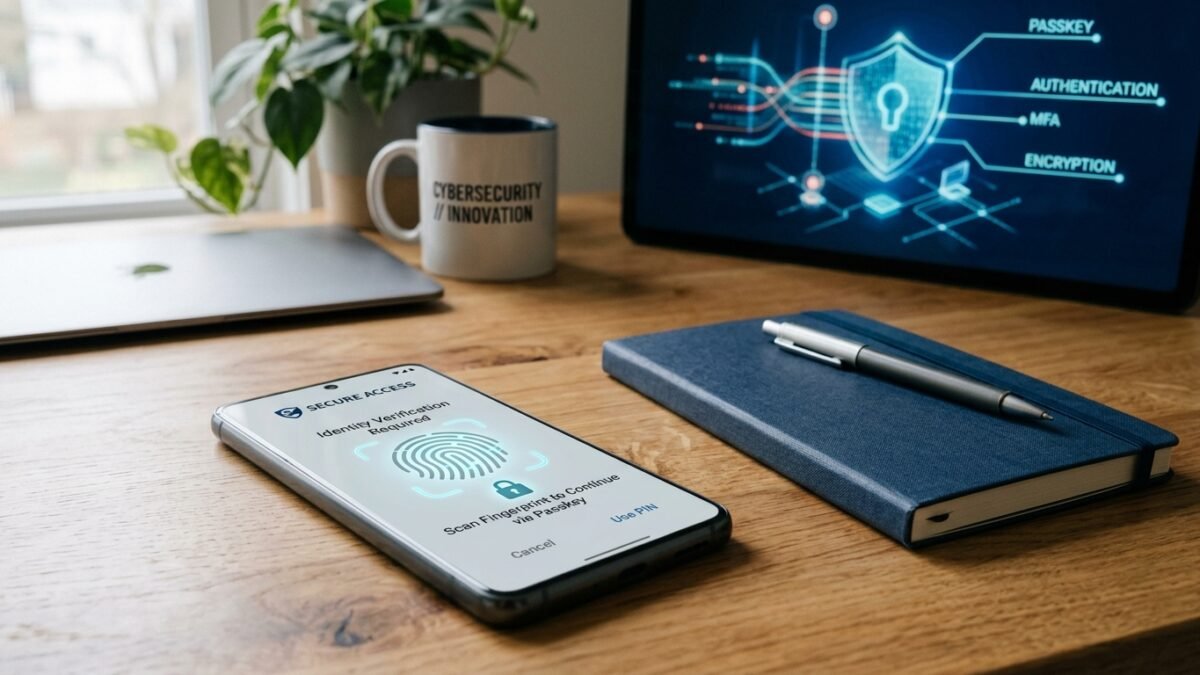
If you ask the average internet user about cybersecurity, they will admit to a familiar habit: using three slight variations of the same favorite password across dozens of online services. It feels convenient until a breach exposes that credential.
According to cybersecurity breach reports, over 80% of confirmed account takeovers stem from compromised, weak, or reused passwords. Fortunately, the technology industry is undergoing its biggest security upgrade in thirty years: the transition to passkeys.
The Fundamental Flaw of Traditional Passwords
Traditional passwords have an inherent design flaw: both you and the server must know the secret. When you log in, you transmit that secret across the internet to a server that must verify it.
Even if that server hashes the password properly, history shows that database leaks, server misconfigurations, and phishing websites can compromise your credentials without your knowledge.
Enter Passkeys: Phishing-Resistant Authentication
Passkeys are built on open cryptographic standards created by the FIDO Alliance and the World Wide Web Consortium (W3C). Instead of creating a password, your device (your phone, laptop, or hardware key) generates a unique cryptographic key pair:
- A Public Key: Stored openly on the service’s server. It is mathematically impossible to deduce your private key from it.
- A Private Key: Stored securely in your device’s hardware security enclave, unlocked only by your local biometric authentication (Touch ID, Face ID, or PIN).
Because passkeys are cryptographically bound to the exact domain name in your browser, they are completely immune to phishing. A fake website masquerading as your bank cannot trick your device into signing a credential for the wrong domain.
Action Plan for This Weekend
- Install a reputable password manager (such as Bitwarden or 1Password) across all your devices.
- Generate a single, unique, 20-character master password using a memorable four-word passphrase.
- Log into your primary email account—the crown jewel of your digital identity—and activate passkey authentication.
- Begin replacing reused passwords one by one as you visit your regular services.