Cardboard Golden Retriever: AI Video Prompt
Turn the texture of ordinary cardboard into a charming Golden Retriever concept. This prompt explores layered paper fur, tiny details and a miniature sculpture reveal.
Suggested Recreation Prompt
Create one complete original 10-second photorealistic macro video in vertical 9:16 format, using a stop-motion crafting aesthetic.
Subject: A small adult Golden Retriever sculpture with floppy ears, a broad friendly muzzle, proportionate legs and a long feathered tail. Use golden-brown cardboard, with tightly rolled dark paper for the eyes and nose.
0–2 seconds: Begin immediately with realistic adult hands arranging small pieces of discarded corrugated cardboard on white paper on a tidy workbench. Show the beginnings of the subject’s body and head.
2–7 seconds: Use coherent stop-motion increments to build the same sculpture piece by piece. Show believable additions of cardboard, careful glue placement and progressively finer details. Keep the sculpture’s scale, pose and anatomy consistent. Do not replace it with a different finished object.
7–10 seconds: The hands withdraw to reveal the completed miniature. Use a gentle camera move to show its depth and layered texture. The sculpture remains an inanimate handmade object.
Use soft side lighting, a shallow depth of field and a clean, unobtrusive background. Preserve exposed corrugated edges, paper fibres, small folds and natural material variation. Suggest detail through cardboard construction rather than realistic animal fur.
Audio: subtle paper handling and quiet workbench sounds. No dialogue, captions, logos or watermark. No extra fingers, duplicated limbs, melting shapes, sudden material changes or transformation into a living animal. Generate directly from the text.
Generation & Media Specifications
How to Use This Prompt
1. Paste the complete suggested recreation prompt into your AI video generator (such as Runway Gen-3 Alpha, Luma Dream Machine, or Kling AI).
2. Select vertical 9:16 aspect ratio optimized for mobile viewing.
3. Keep motion intensity at moderate (4-5 out of 10) to preserve paper texture stability without warping anatomical proportions.
4. Camera control: Select slow push-in or gentle horizontal tracking at workbench surface level.
Practical Generation Tips
Emphasize phrases like 'exposed corrugated edges' and 'paper fibres' to prevent generative models from smoothing cardboard into glossy plastic. If your engine supports negative prompts, add: 'smooth CGI, plastic finish, shiny textures, living animal, morphing fingers'.
Suggested Variations to Try
The following variations are creative prompts written for experimentation and are not guaranteed to have been tested. Feel free to tweak them for alternative scenes:
Variation 1 (Dusk Lighting): Add warm low-angle workshop lamp lighting casting long corrugated paper shadows across the cutting mat.
Variation 2 (Artisan Studio): Place small craft tools, steel ruler, and craft scissors neatly organized in the soft-focus background blur.
Turn the texture of ordinary cardboard into a charming Golden Retriever concept. This prompt explores layered paper fur, tiny details and a miniature sculpture reveal.
Related AI Video Prompts
Browse All Prompts →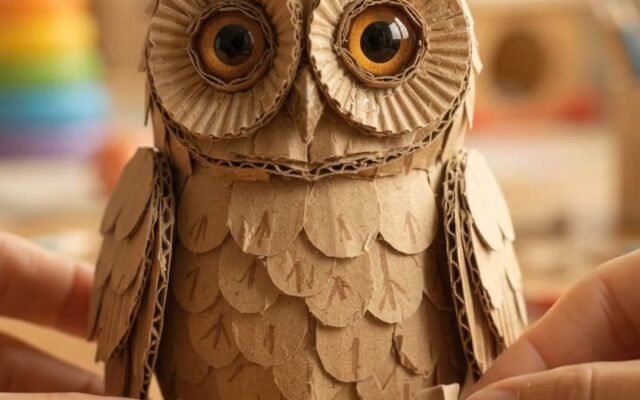
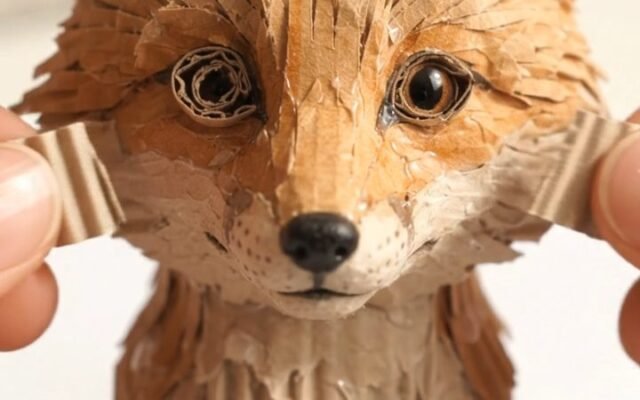

Explore CurioPatch Editorial Guides
All Articles →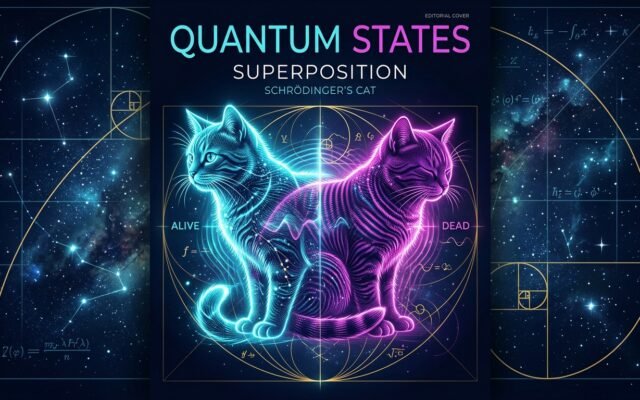
Beyond Schrödinger’s Cat: What Quantum Superposition Really Means for Everyday Reality
Erwin Schrödinger never meant for his famous cat to be taken literally; he created the thought experiment to…
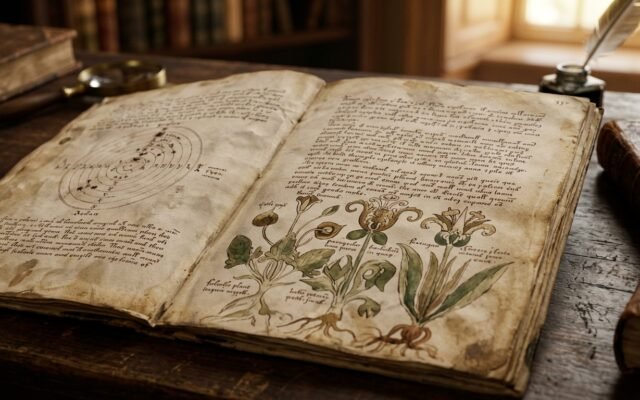
The Voynich Manuscript: Deciphering History’s Most Baffling Uncracked Book
Carbon-dated to the early 1400s, the Voynich Manuscript contains 240 pages of unknown script and bizarre botanical illustrations.…
Living Cold Light: The Extraordinary Biochemistry of Ocean Bioluminescence
Over 75% of deep-sea creatures generate their own cold luminescence without emitting heat. Explore how luciferin reactions, burglar…