If you find yourself constantly reaching for your phone during momentary pauses in your day, know this: you are not lazy, and your willpower is not broken. Your smartphone was engineered by thousands of world-class engineers whose performance is evaluated on time spent on device.
To reclaim your attention, you do not need to throw your smartphone into a river or switch to an obsolete flip phone. You simply need to reintroduce intentional friction into the habits where friction was deliberately removed.
The Physics of Friction in Habit Design
Stanford behavioral scientist BJ Fogg demonstrated that whether an action occurs depends on the confluence of motivation, ability (simplicity), and a prompt. When apps make browsing effortless—fingerprint login, immediate infinite scrolling, algorithmic predictive feeds—the ability threshold drops to near zero.
By slightly increasing the friction required to consume mindless content, you restore the pause between impulse and action.
Four Friction Tweaks to Implement Right Now
1. Turn on Grayscale (Color Filters)
On iOS, go to Settings > Accessibility > Display & Text Size > Color Filters > Grayscale. (You can bind it to a triple-click of the side button). On Android, turn on “Bedtime mode” or search for “Color correction.”
When you strip away the saturated reds, vibrant yellows, and glowing blues, Instagram, TikTok, and YouTube suddenly look like static newspaper print. Your brain’s visual reward center stops firing automatically.
2. The “Touch Grass” Home Screen
Clear your primary home screen completely. Move all social media, news, and video apps into an app library folder or delete them and access them only through a mobile browser.
Keep only essential utilitarian tools on your home screen: Maps, Notes, Calculator, Calendar, and Camera. When unlocking your phone does not present colorful icons to click, you put it down faster.
3. Charge Your Phone Outside the Bedroom
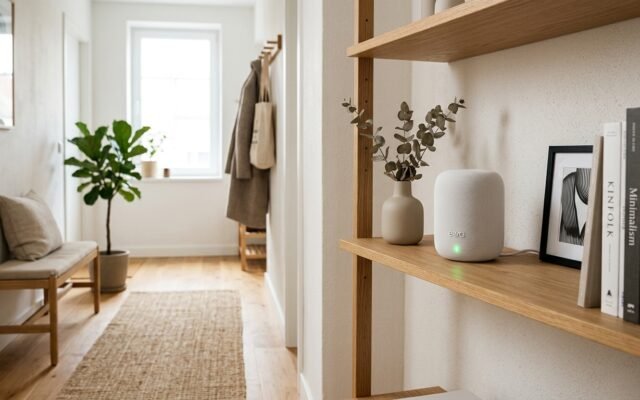
The single highest-leverage boundary in modern life is keeping the smartphone out of arm’s reach while sleeping. Charge your phone in the hallway, kitchen, or living room.
Purchase a simple digital alarm clock for your nightstand. Waking up to natural silence rather than an avalanche of work emails and news alerts transforms your mental state for the entire day.